Free Online Productivity Tools for Remote Workers in 2026
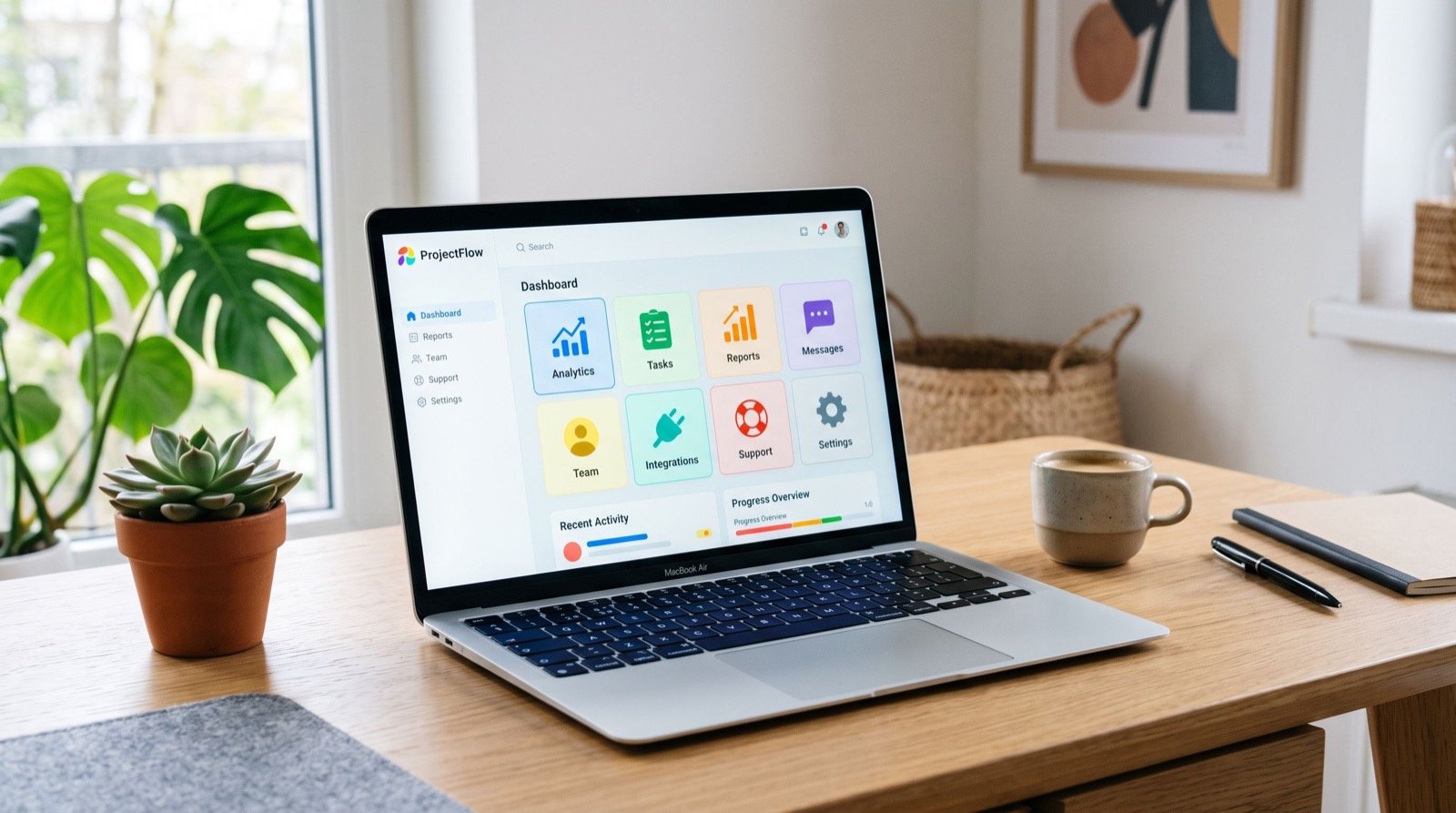
Remote work rewards people who manage their own time well, and free online productivity tools are the quiet engine behind that discipline. Whether you are job hunting, freelancing, or holding down a distributed role, the right browser-based utilities keep tasks organized and projects moving. This guide covers the free online productivity tools that matter most in 2026, how to combine them into a daily system, and where many people waste time without realizing it.
I have coached dozens of remote professionals through their first fully home-based year. The common thread among the ones who thrive is not willpower; it is a simple, repeatable stack of tools they trust. Let us build that stack together.
Why Free Online Productivity Tools Beat Heavy Software
Installed suites are powerful but slow to adopt. Browser tools open instantly, sync across devices, and demand no license approval. According to Gallup research on hybrid and remote work, employees who structure their day deliberately report higher engagement, and lightweight tools make that structure painless to maintain.
Key advantages of browser-based productivity tools:
- Instant access from any laptop, library, or borrowed machine.
- Automatic sync so your task list follows you everywhere.
- Low friction — no updates, no onboarding, no cost.
Task and Time Management Essentials
Capture beats memory every time. The moment a task lives outside your head, your focus returns to the work in front of you. A clean, reliable free todo list online is the cornerstone: it holds every commitment, lets you prioritize, and clears mental clutter so deep work becomes possible.
Turn a list into a system
A list is only useful if you review it. Each morning, pull the three tasks that move your week forward and mark them as your must-dos. Everything else waits. This small ritual converts a passive list into an active plan.
- Brain-dump every open task in one place.
- Tag each item by project or deadline.
- Pick your top three for the day.
- Review and roll over unfinished items each evening.
Visual and Media Utilities for Applications and Portfolios
Job seekers and freelancers constantly resize, crop, and compress visuals for portfolios, profiles, and applications. A suite of free image tools handles this without expensive design software, letting you prepare a polished headshot or a lightweight portfolio thumbnail in seconds.
Why image size matters online
Oversized images slow down portfolio pages and frustrate hiring managers on slow connections. Compressing before upload keeps your work crisp while loading fast, which signals professionalism before anyone reads a word.
How Do You Build a Daily Productivity Routine?
Tools only help inside a routine. The goal is a repeatable loop you can run on autopilot. If you want expert input on structuring your workflow, consulting reputable service experts can shortcut months of trial and error.
- Start with a five-minute planning block.
- Work in focused sprints of 50 minutes.
- Batch shallow tasks like email into one window.
- Close the day by resetting tomorrow’s top three.
Comparing Productivity Tool Categories
| Tool Type | Best For | Daily Time Saved | Learning Curve |
|---|---|---|---|
| To-do lists | Task capture & focus | 30–45 min | Minimal |
| Image tools | Portfolios, profiles | 20 min | Minimal |
| Calendars | Scheduling, deadlines | 25 min | Low |
| Note apps | Research & ideas | 20 min | Low |
| Timers | Focus sprints | Varies | Minimal |
The real gain is not any single number; it is the compounding effect of removing dozens of tiny decisions from your day.
Avoiding the Productivity Tool Trap
Collecting tools can masquerade as progress. The trap is spending more time tweaking systems than doing work. Choose one tool per job, commit for a month, and only switch when a tool actively fails you.
One original tip from the field
Keep a single “parking lot” note for every half-formed idea. Instead of interrupting focused work to act on a thought, drop it in the parking lot and return later. This one habit protects deep work better than any fancy app.
Fitting Tools Around Energy, Not Just Time
Most productivity advice manages the clock, yet energy is the scarcer resource. The same task feels effortless at your peak and impossible at your slump. Pairing tools with your natural rhythm multiplies their value far more than squeezing another hour from the calendar.
Match tasks to your energy curve
Track your focus for one week and note when it peaks. Most people have a sharp morning window and a smaller afternoon one. Guard those windows for demanding work such as interviews, portfolio writing, or complex projects, and push shallow tasks like inbox triage into the valleys.
A simple way to apply this with your tools:
- Peak hours — open only your to-do list and the single deep-work task it points to.
- Mid hours — batch replies, scheduling, and file prep with your image tools.
- Low hours — review, plan tomorrow, and tidy your workspace.
Protect focus from notification creep
Every open tab and badge is a tiny invitation to drift. During peak windows, close everything except the one tool you need. In 2026, with more messaging apps competing for attention than ever, this single boundary often returns more productivity than any new app could. The discipline, not the download, does the work.
Frequently Asked Questions
What are the best free online productivity tools for beginners?
Start with a to-do list and a simple calendar. These two cover capture and scheduling, which solve most early productivity problems. Add image or note tools only when a recurring task demands them.
Do free productivity tools work well on mobile?
Most browser-based tools are responsive and work smoothly on phones in 2026. For heavy editing, a laptop is still easier, but quick task capture and reviews work perfectly on mobile.
Can I rely on free tools for professional job applications?
Yes. Free image and document utilities produce professional-quality output when used correctly. The key is compressing and formatting files properly before you upload them to any portal.
How many productivity tools should I use at once?
Fewer is better. A focused stack of three to four tools you actually open daily beats a dozen you installed once and forgot. Consolidate wherever one tool can do two jobs.
Conclusion
The most effective free online productivity tools disappear into your routine, quietly keeping tasks captured and visuals ready. Build a small, trusted stack, wrap it in a simple daily loop, and resist the urge to chase every shiny new app. In 2026, remote success comes down to consistent systems, not more software. Pick your core tools today and let them do the heavy lifting.